
The Garden Journal is part of the recently enhanced Calendar functionality. It allows you to make either quick notes and observations throughout your gardening day or write something more detailed at the end of the day.

Prepare Your Journal Entry
Preparing your journal entry is quick and easy. The screenshots below show a journal entry being made on an iPhone. You can click the “Write Journal” button on your Dashboard, or go to the Calendar page and click the Journal button.
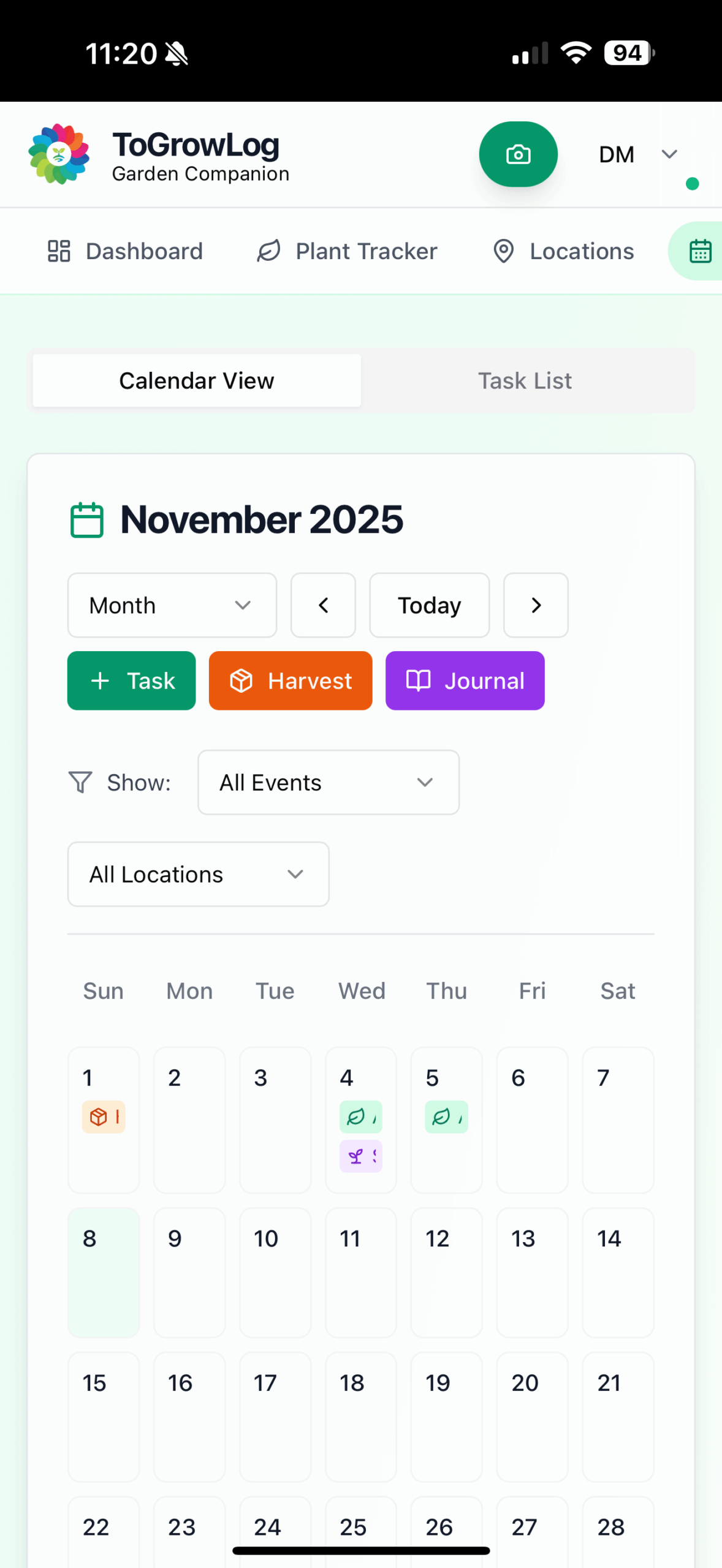
Calendar View – mobile
Your Calendar view shows all your activities over a day, week, month, or year.
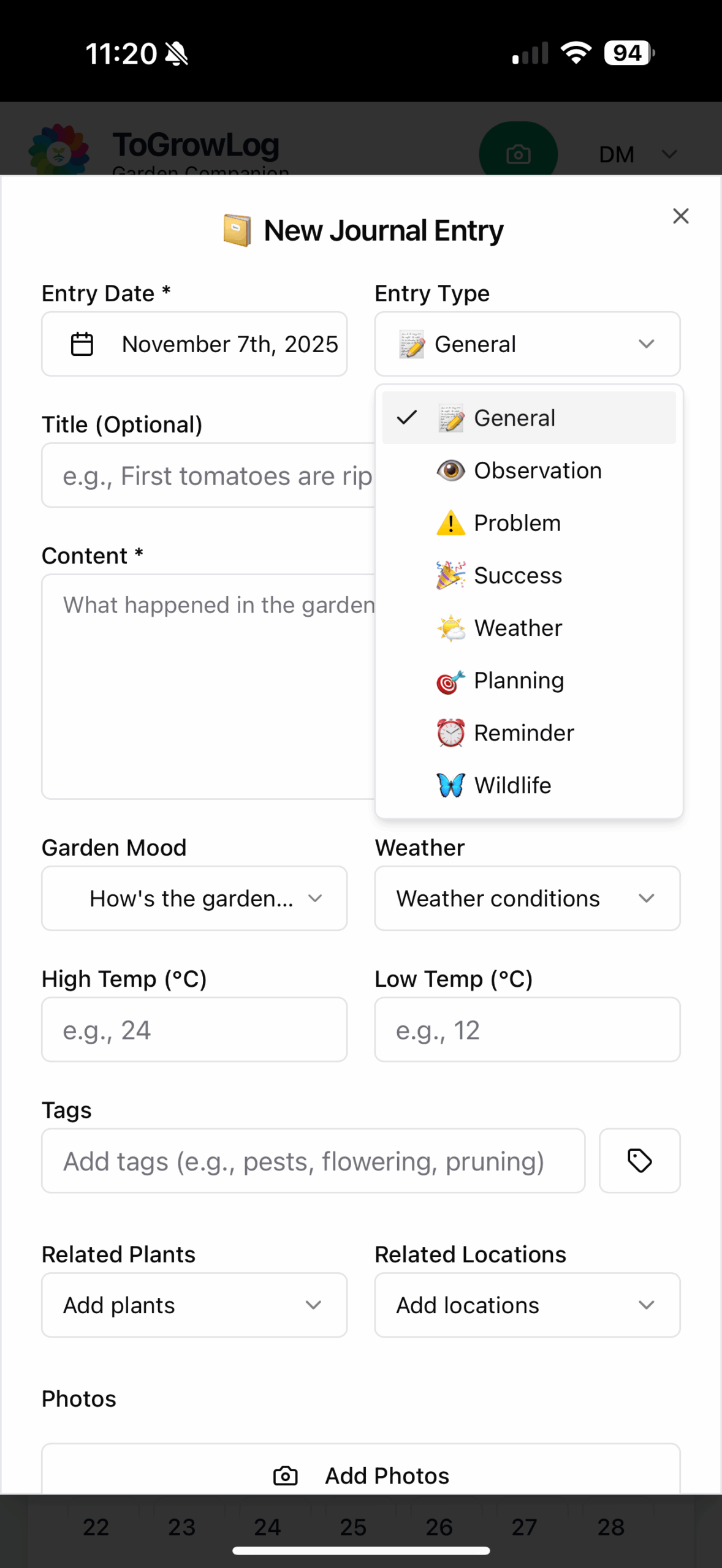
Journal Entry Type
Chose the entry type for your journal, e.g. Observation, Wildlife, Planning.
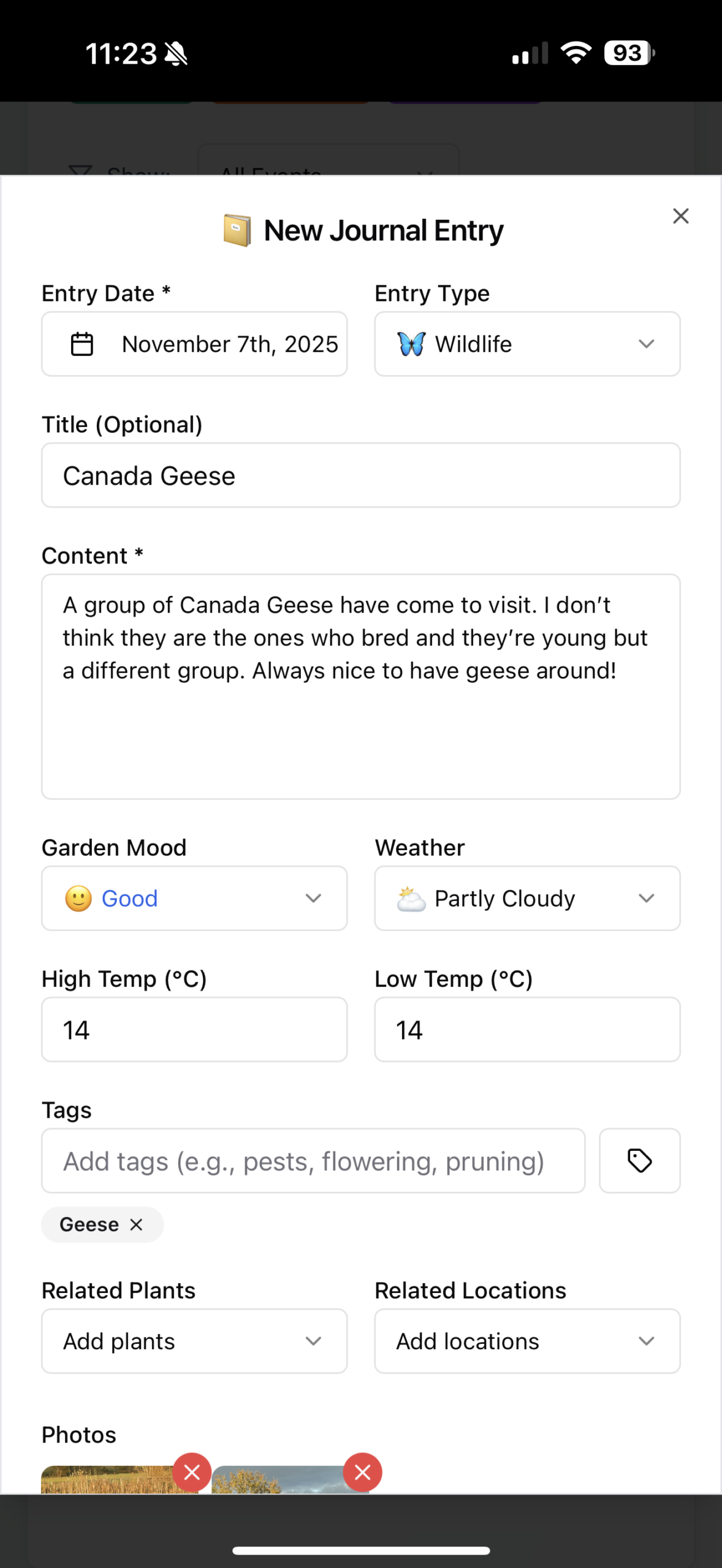
Journal Entry
Make your journal entry.
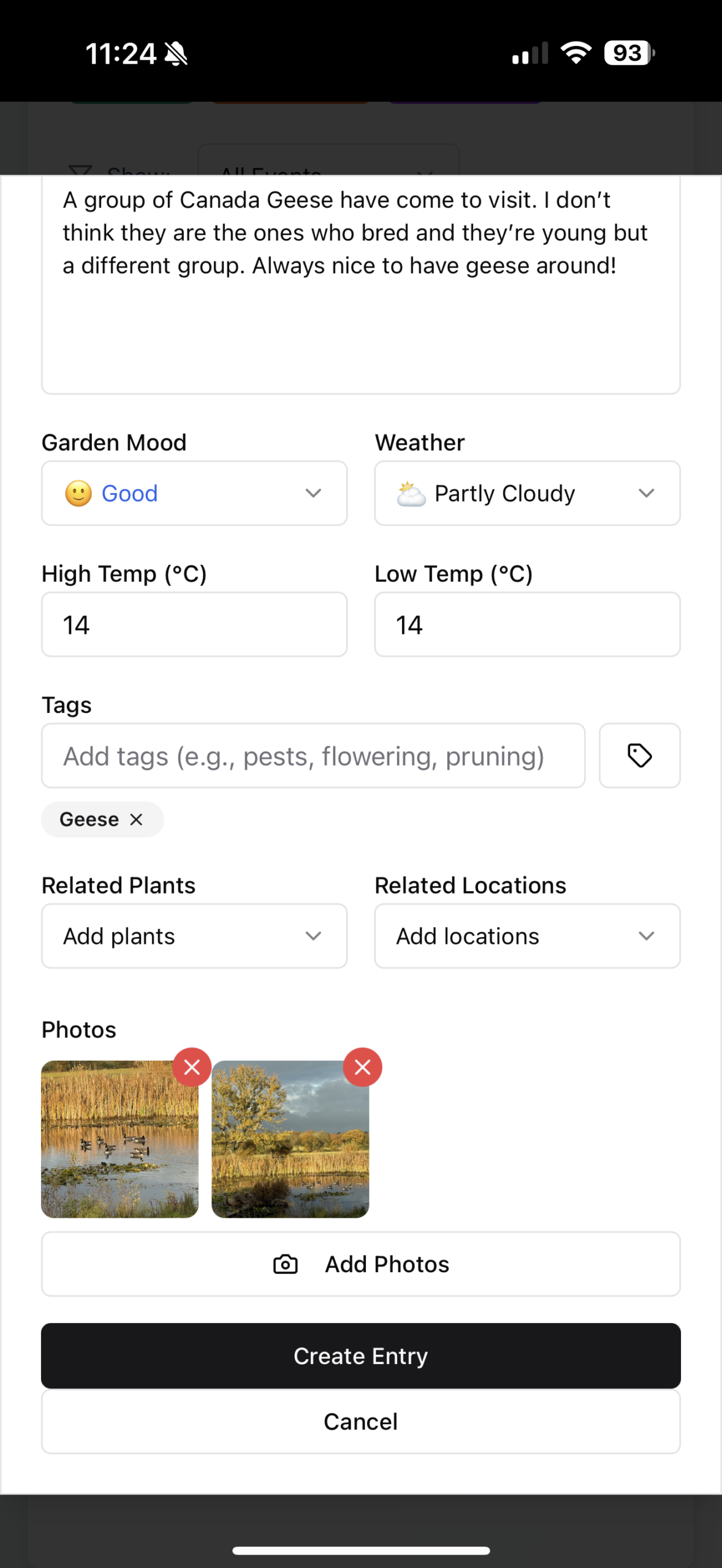
Add images
Add images to your journal entry.
View Your Journal
Once you’ve completed your entry by filling out the Journal entry form you can go back and review. You can find all your Journals collected together by going to the Calendar and then choosing the Journal tab. You can filter the list of Journals to find the particular topics your after. Then flick through the individual entries using the next and previous buttons. We’ve attempted to make it feel as much like a journal as possible.

The Journal View
Go to the Journal tab on the Calendar to find all your Journals.
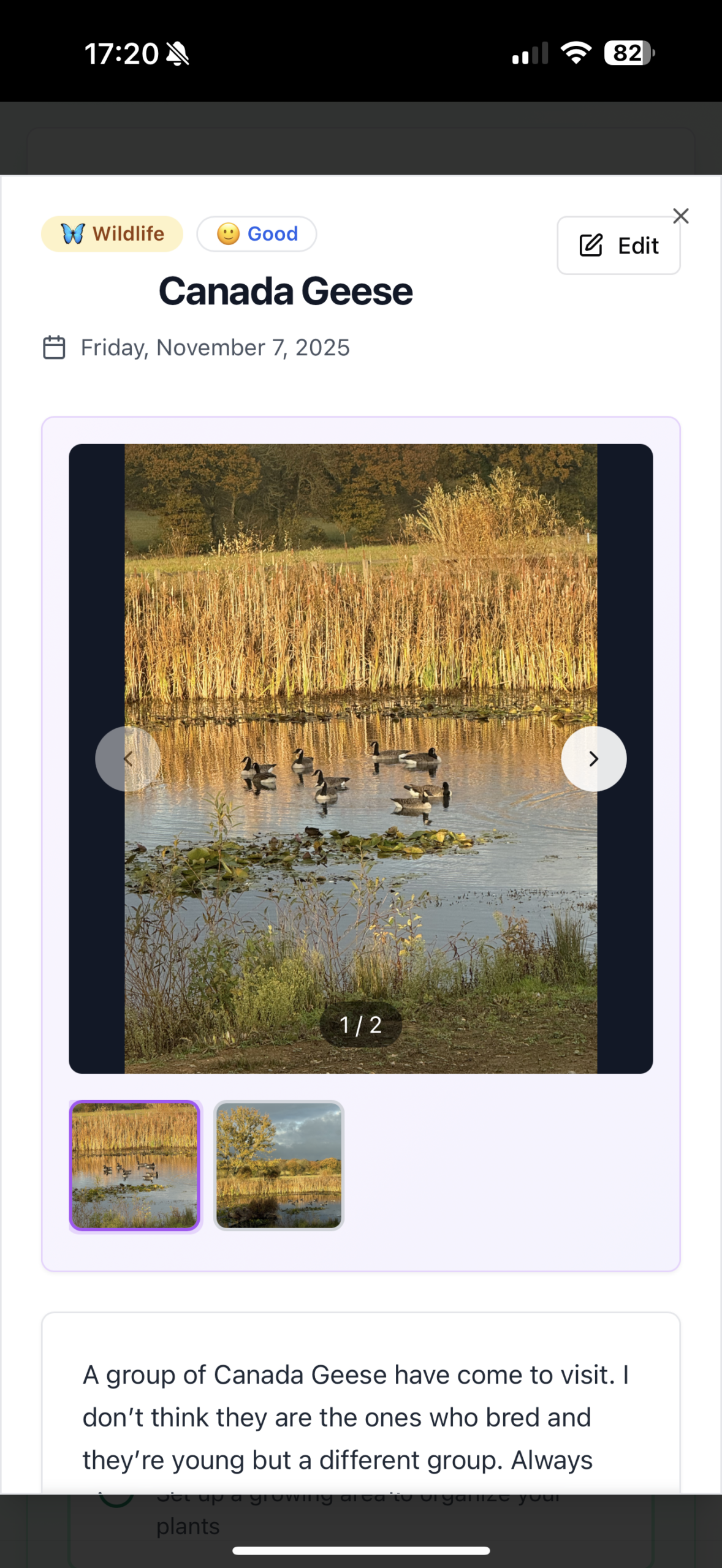
View Journal Entry
View your journal entry, scroll through your images.
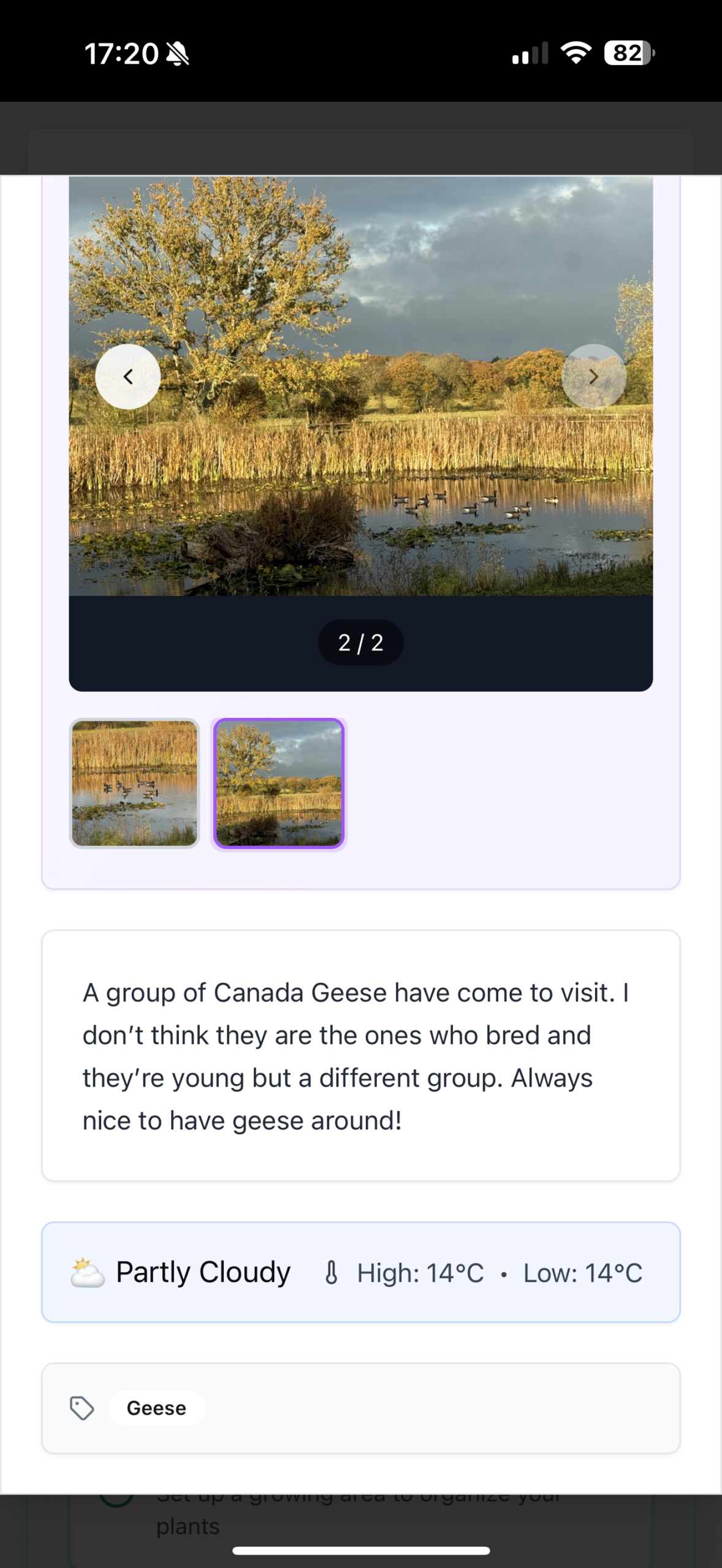
Bottom half of Journal entry
Scroll down the page to view the rest of your journal entry.
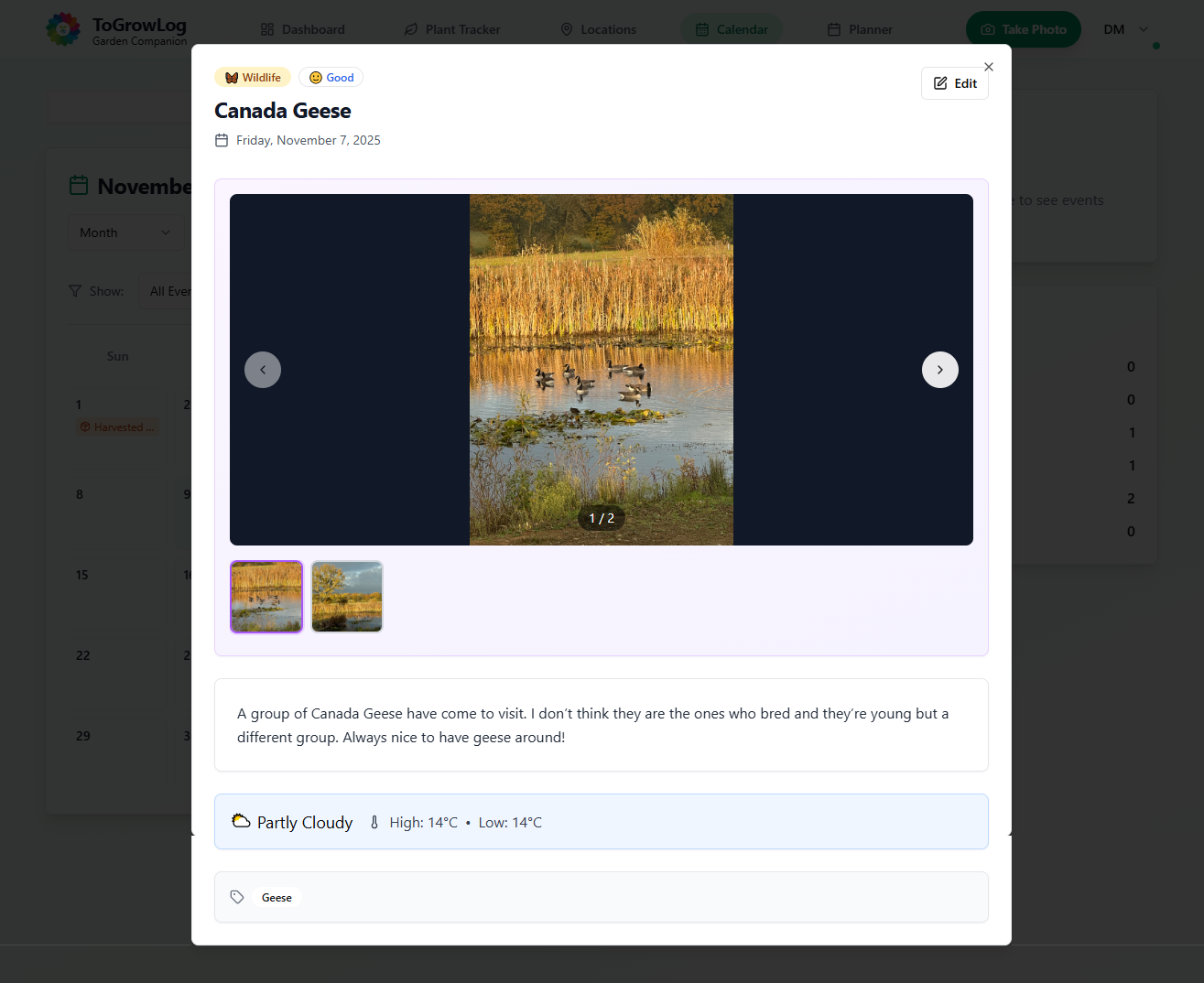
Desktop View
This is how the entry looks on a Desktop computer.